Connecting Your Instagram Business Account to the Social Planner Social Media Tool In HighLevel


Key Takeaways
- Within HighLevel you can connect an Instagram business account to use in the Social Planner Social Media Tool.
- With this feature, you can manage your social accounts for Instagram, Google My Business (GMB), and Facebook all in one place.
- You can save time by scheduling posts, and also learn what your social media audience thinks by viewing the various statistics available.
Within HighLevel you can connect an Instagram business account to use in the Social Planner Social Media Tool. With this feature, you can manage your social accounts for Instagram, Google My Business (GMB), and Facebook all in one place. You can save time by scheduling posts, and also learn what your social media audience thinks by viewing the various statistics available.
Follow these steps to connect your Instagram Business account to HighLevel:
Step 1: Ensure you have an Instagram business profile. If your Instagram account is a personal profile, you will need to switch it.
- Click or Tap the 3-line menu in the top right corner of your Instagram profile.
- Tap the settings icon.
NOTE: within some accounts, the “Switch to Professional Account” option will be listed directly under the Settings icon.
- Click Account > Switch to Professional Account > Continue.
- Choose a Category for your business.
- Tap Done > OK to confirm.
- Tap Business > Next > Add Contact Details > Next.
- NOTE: You may also select “Don’t use my contact info” to skip this step.
- The next step will allow you to connect your Instagram business profile to a Facebook page associated with your business. This is an option step that can make it easier to use all of the available features across the Meta family of apps.
- Tap X on the top right corner to return to your Instagram profile.
Step 2: Connect Your Instagram Profile to the Social Planner Tool
- Navigate to the Social Planner in HighLevel.
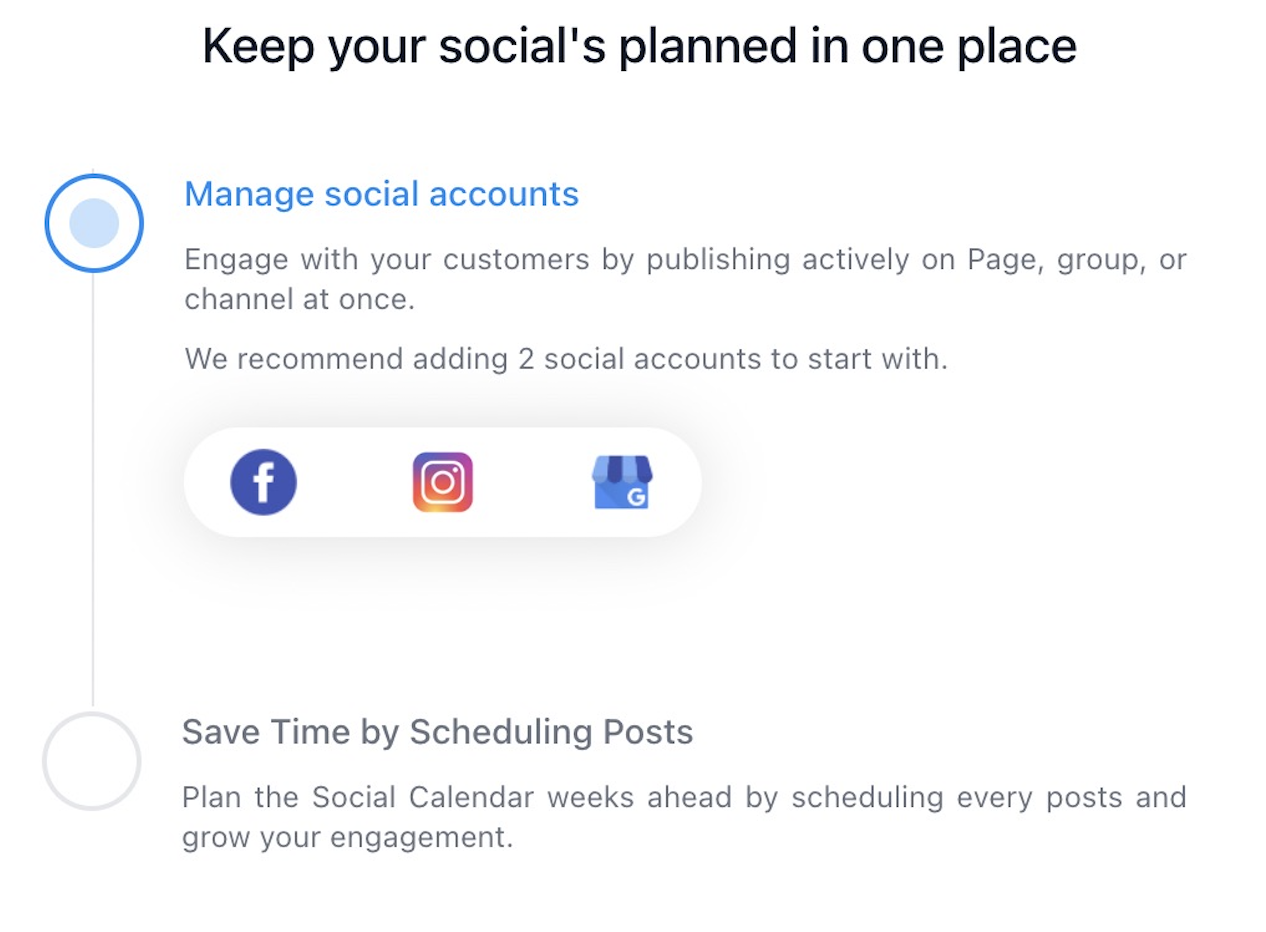
- Upon first visiting the Social Planner, there will be a wizard with a Connect option that looks like this:
Tired of Being the Admin, the Marketer, and the Closer?
You didn't start your business to spend hours building funnels, managing calendars, and chasing follow-ups inside HighLevel. What if someone else handled all of that for you?
Our HighLevel-trained virtual assistants know the platform inside and out — workflows, pipelines, social scheduling, reporting — so you can focus on closing deals and growing your business. Starting at only $164 per week.
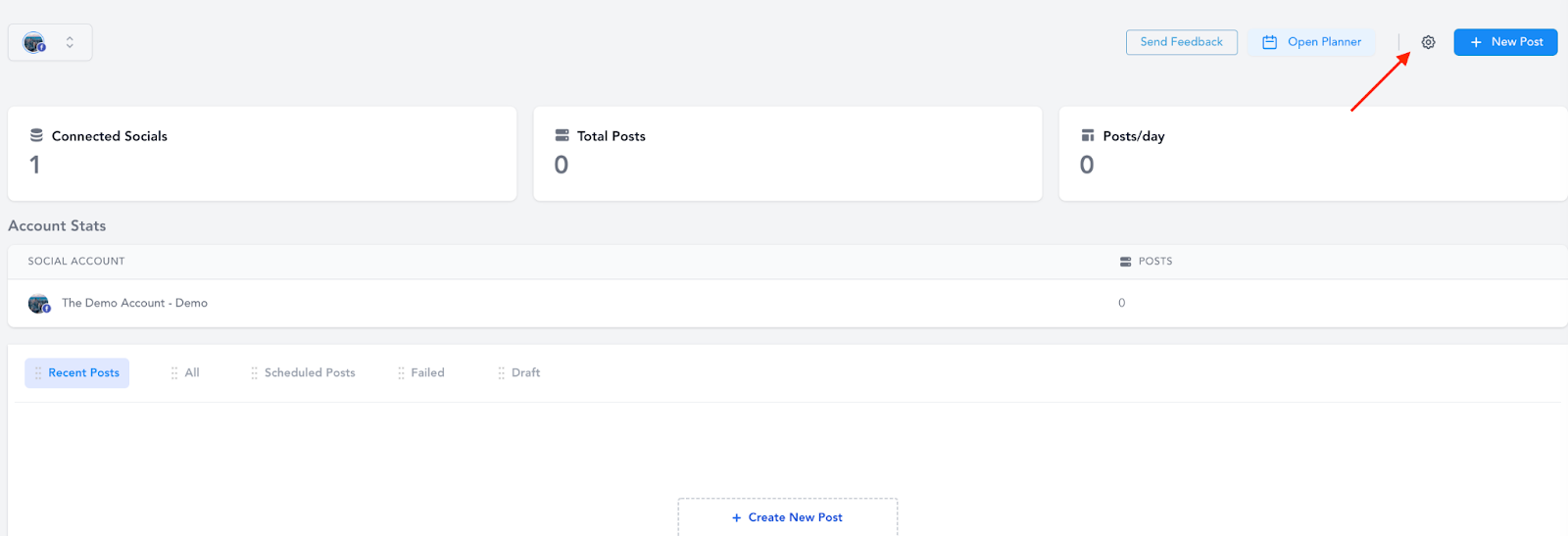
- After visiting the social planner the initial time, you can access the Settings via the gear icon in the top right to make additional changes and add/remove accounts.
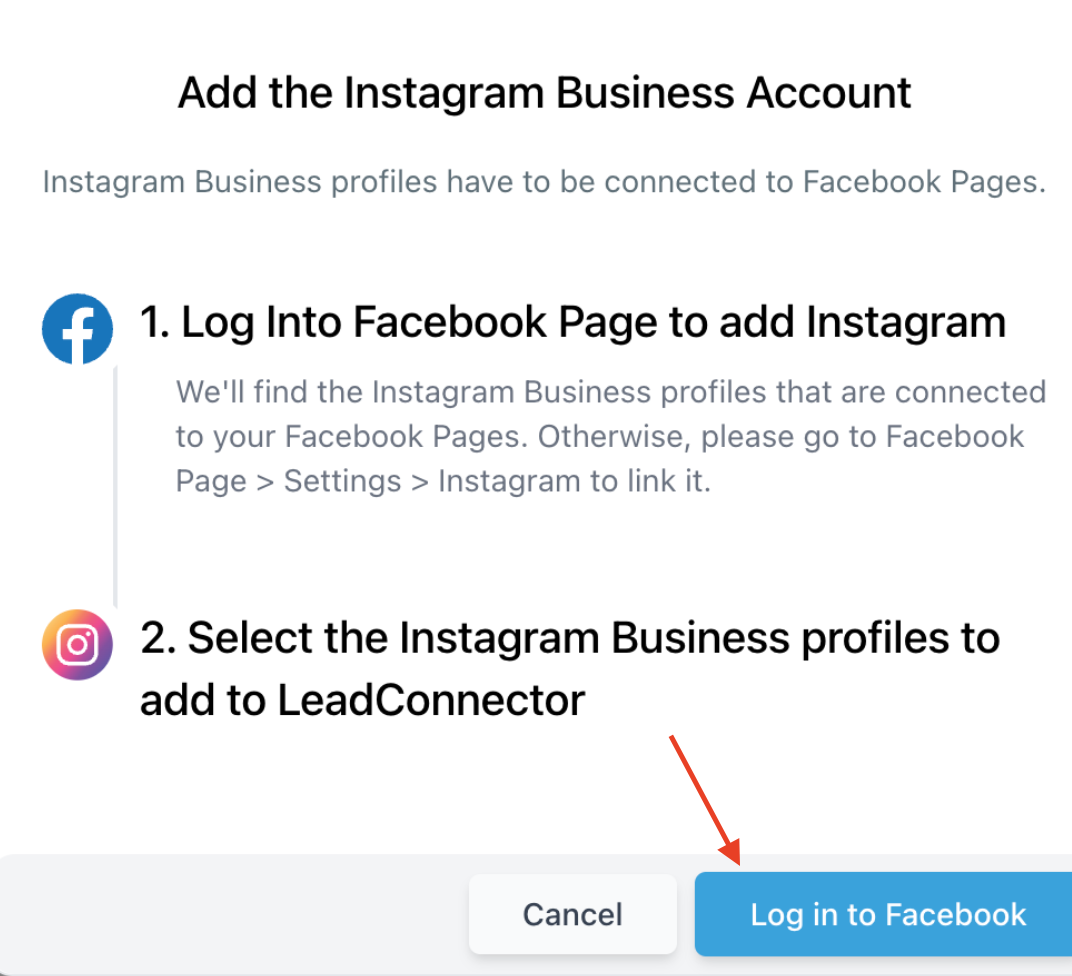
- Click to connect an Instagram Business profile account.

- In the popup window, you’ll be asked to choose Facebook and provide the permissions for the Social Planner to access the connected Instagram page. Use your Facebook account that has an Instagram Business account connected with it, type in the details, and click on “Log In to Facebook” to proceed.
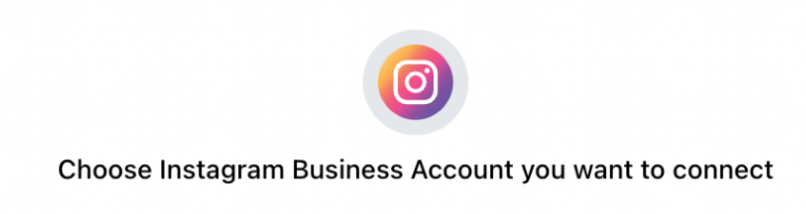
- Select the Instagram Business Profile(s) you want to add to Social Planner.
- NOTE: If the Instagram Business Profile is not verified, this means that the Instagram Business Account isn’t connected to a Facebook page. This is required by Facebook in order to post.
- Once connected to HighLevel, you can manage the Instagram account within the Social Planner to schedule posts and more!
The Complete Operator's Playbook
Weekly strategies from top-performing agencies
Join 5,000+ operators who get weekly tutorials, templates, and strategies that are actually working right now.
Matt @ HLPT
Founder, HL Pro Tools
Matt and his team of 250+ are known for making it easy to win with GoHighLevel. They bundle tools, trainings and team time for a complete solution. You can use them for all your HighLevel needs from white label support to done-for-you fractional marketing services.
Related Articles
Setting Up Email Notifications for Expired Social Media Accounts in HighLevel’s Social Planner
HighLevel’s Social Planner is where you can host your social accounts such as GMB, LinkedIn, Facebook, and Instagram. Each social account ha
Matt @ HLPTOptimal Image and Video File Sizes and Dimensions for HighLevel’s Social Planner
When creating social media posts and marketing campaigns within HighLevel, it is important to understand the image and video formats and siz
Matt @ HLPTHow to Connect to Your Facebook Page for Use in HighLevel’s Social Planner
HighLevel’s Social Planner tool allows you to connect multiple social media accounts and manage them in one area. By connecting Facebook pag
Matt @ HLPT